
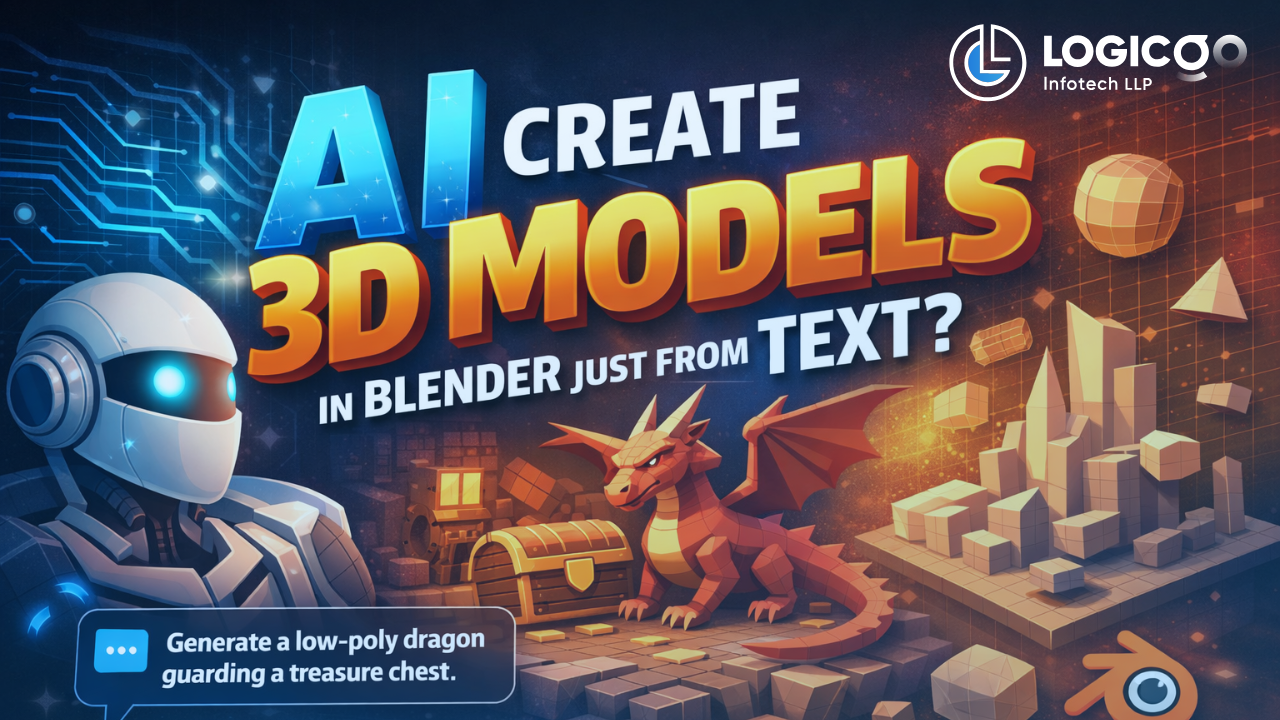
The short answer: Yes — but with context.
Recently, there’s been a lot of buzz around using AI tools like Claude to create 3D models in Blender simply by typing text prompts. Naturally, this raises curiosity (and a few eyebrows) in the design, gaming, animation, and product visualization communities.
So what’s real, what’s experimental, and what does it actually mean for creators and businesses?
Let’s break it down.
How Text-to-3D in Blender Actually Works
Claude doesn’t directly “draw” 3D models the way image generators create pictures.
Instead, developers have built community-driven plugins (often called Blender MCP or BlenderMCP) that act as a bridge between Claude and Blender.
Here’s the workflow:
- You describe what you want in plain English
- Claude translates that request into Blender Python commands
- The plugin executes those commands inside Blender
- Geometry, materials, lights, or entire scenes are created automatically
Think of it as AI-assisted scene building, not a replacement for a 3D artist.
What This Is Actually Good At
This approach shines in:
- Rapid prototyping of 3D ideas
- Blocking out scenes and environments
- Automating repetitive modeling tasks
- Generating base geometry quickly
For example:
“Create a low-poly sci-fi room with blue neon lights and a central control table”
In seconds, Blender can generate a usable starting point — something that would normally take much longer to set up manually.
Where the Limitations Still Exist
This is important.
Text-to-3D is not production-ready magic.
You’ll still need manual work for:
- Clean topology
- UV mapping
- Texturing and materials
- Sculpted details
- Game-ready or print-ready optimization
Most outputs rely on primitives, modifiers, and logic — not deep artistic sculpting. The quality depends heavily on prompts, plugin capability, and post-editing by a human.
In short:
AI accelerates the workflow — it doesn’t replace expertise.
Is This an Official Claude Feature?
No.
These Blender integrations are:
- Experimental
- Community-built
- Open-source or third-party
They require setup, technical comfort, and responsible usage. They’re powerful — but still evolving.
Why This Matters for Businesses & Creators
At Logicgo Infotech, we see this as a signal, not a shortcut.
AI-assisted 3D creation means:
- Faster ideation cycles
- Lower entry barriers for experimentation
- Smarter automation in design pipelines
- More focus on creativity and problem-solving
The future isn’t AI vs Humans.
It’s AI + Skilled Humans building better, faster, and smarter.
Final Thoughts
Text-to-3D in Blender is real — but it’s a tool, not a miracle.
Used right, it can dramatically speed up workflows.
Used blindly, it can create messy assets and false expectations.
As with all emerging tech, the winners will be those who understand both the power and the limits.
And we’re just getting started.
Let’s Build Something in 3D 🚀
If you’re someone who has a 3D modeling, animation, or visualization project in mind — whether it’s for games, products, marketing, architecture, or storytelling — let’s talk.
Our team loves turning ideas into immersive 3D experiences using the right mix of technology, creativity, and AI-assisted workflows.
📩 Email us: info@logicgoinfotech.in
📞 Contact our 3D Department: +91 96648 61607